
Feature 01
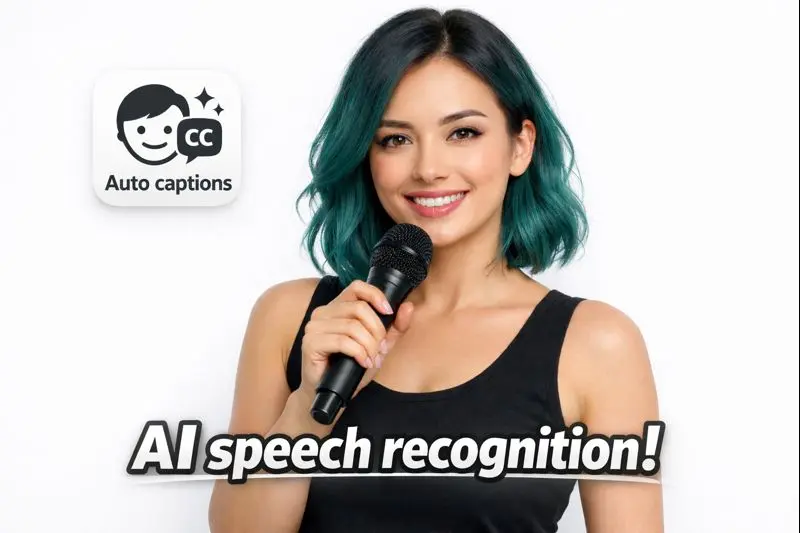
Automated Transcription
Get accurate transcripts with timestamps and speaker identification.
memories.ai’s Coursera Video Analysis AI streamlines lecture transcription and automatic captions for Coursera courses, delivering timestamped highlights, engagement metrics, and searchable video insights. Designed for desktop and mobile learners, the tool ingests MP4/SRT files to generate content indexing, learning analytics, and chapter summaries, making course review, study workflows, and instructor feedback faster and more accurate.
Analyze your content to extract insights and optimize your strategy.
Get accurate transcripts with timestamps and speaker identification.
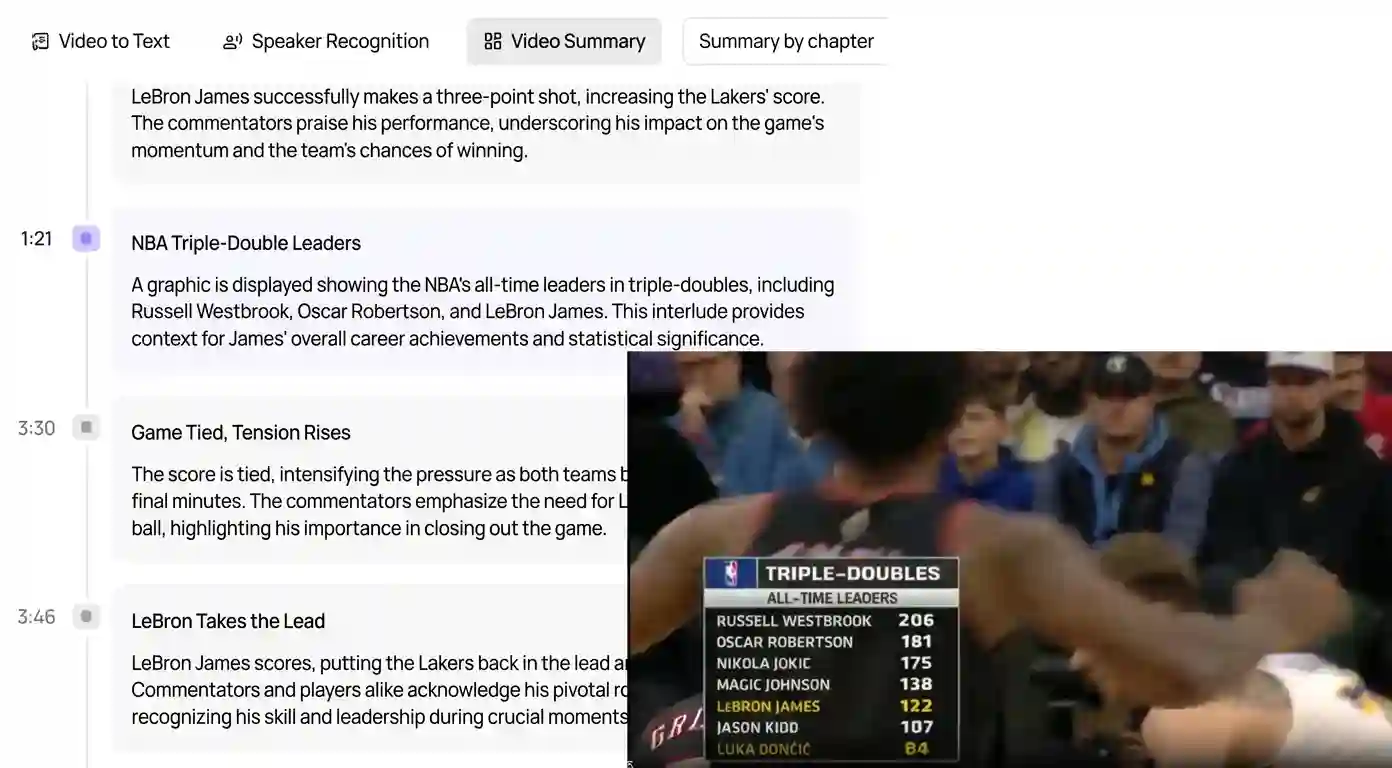
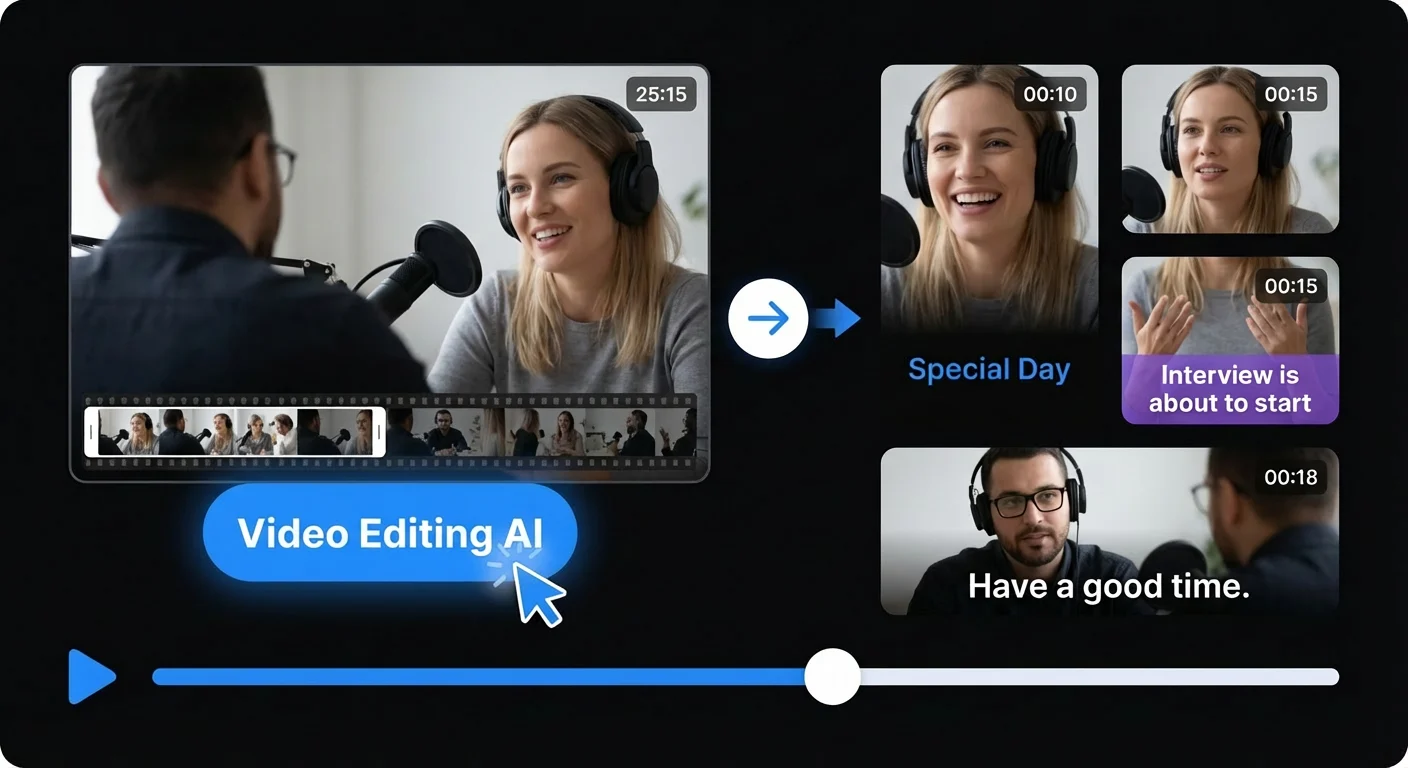
Automatically detect scenes and key moments in your content.
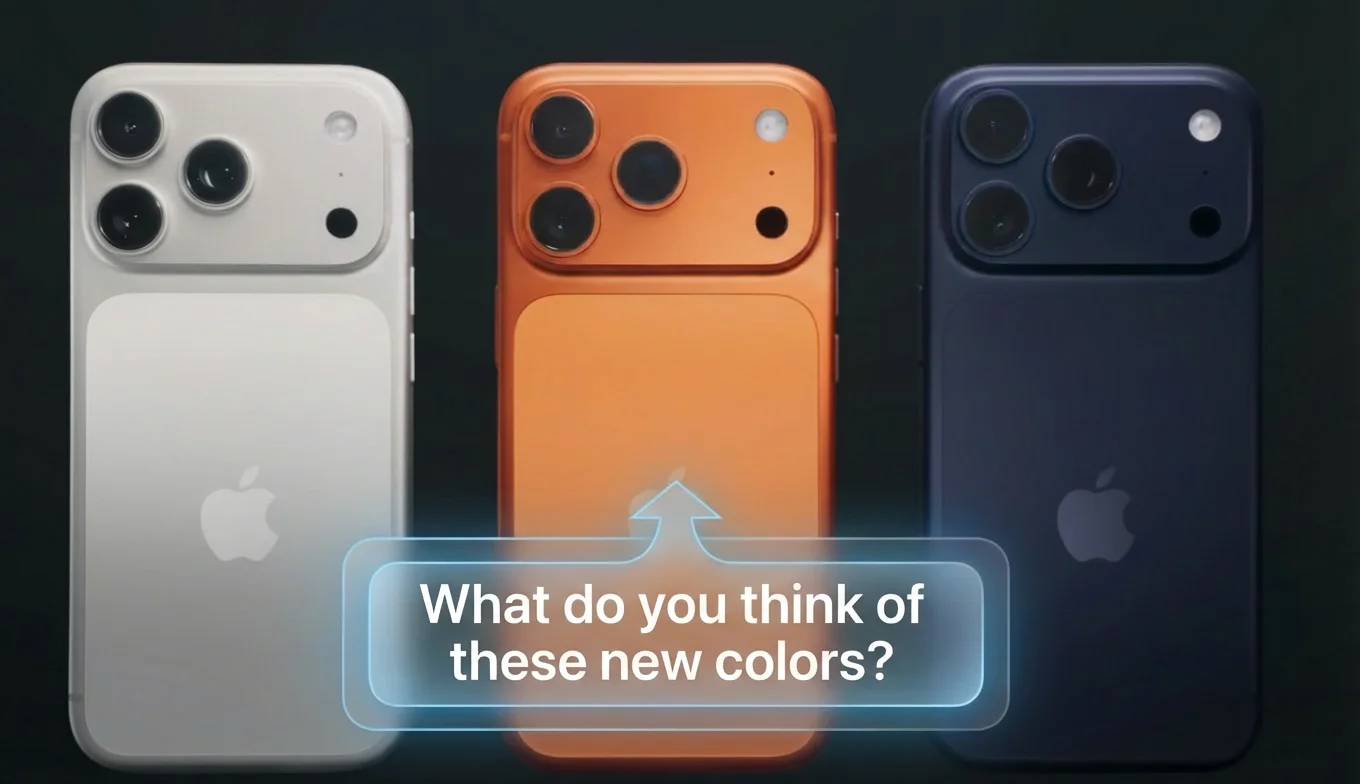
Understand emotional tone and engagement signals.
Access your analysis anytime, anywhere via the cloud.
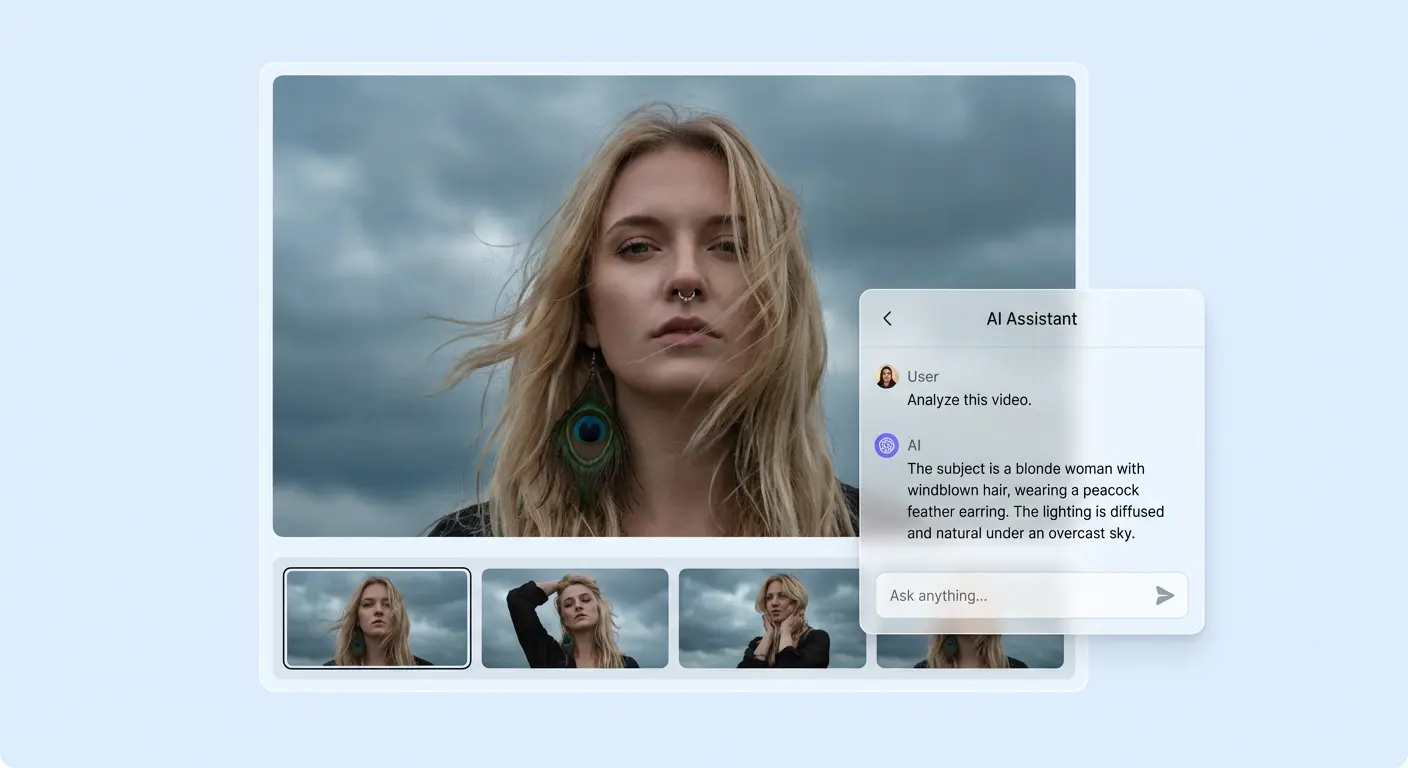
Your content is never used to train external models.
Looking for a universal video analyzer? Our AI Video Analyzer supports 15+ platforms with consistent output format, including transcripts, summaries, and key insights from any video source.