Memories Upload turns everyday first-person video into training data for physical AI.
Collect data.Earn rewards.
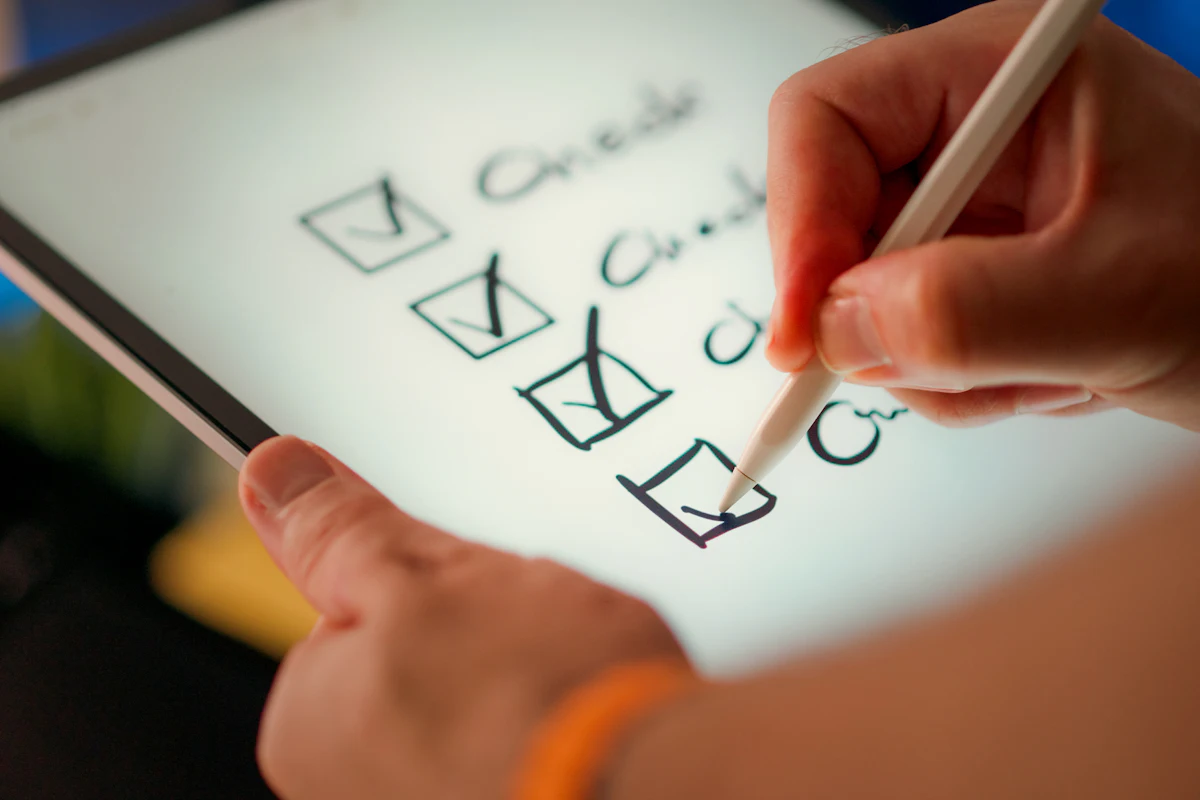
Choose a task. Capture real-world video. Earn rewards when your data meets the brief.
Data collection
Real-world data. Real contributions.
A clear brief gives every recording a purpose. Upload connects the data you collect with tasks that reward it.


How it works
Your next task. Three simple steps.
A clear path from real-world video to a completed task. Here's how data collection works with Upload.
Your contribution, rewarded
Good data.
Good data.
A clear reward.
Know your rate up front
The task's rate and requirements are locked when you claim it.
Quality comes first
Video is reviewed against the task's content, duration, and activity requirements.
See every reward in your wallet
Pay is based on Qualified Hours: the minutes of footage that meet the task requirements.
Task rewards
32.00
Earned from 4 completed tasks
Capture a walk40 qualified min · Credited
+8.00Record an activity40 qualified min · Credited
+8.00Show a routine40 qualified min · Credited
+8.00Film a recipe40 qualified min · Credited
+8.00Example amounts. Rates vary by task and Quality Grade.
Built around your workflow
A little support, along the way.
Collection is the focus.
These tools help with the rest.
Matched for you
EffortlessClaim a task and Upload matches your recordings to it automatically. No manual matching needed.
AI review
Automated + humanAI and human reviewers check your video within about 10 business days.
Ready to capture
Hands-freeRecord hands-free with the LUCI Pin we lend you. It syncs straight to Upload.
A few things
you might wonder.
Everything to know before your first task.
Questions? Email [email protected].
Your first task
starts here.
Collect useful data. Get rewarded for your contribution.
Delete your
Upload account.
Delete your account and its data here with a link we email you, or directly in Upload.
A permanent decision.
Deleting your account cannot be undone. Save anything you want to keep before confirming deletion.
Your account and associated data
Deletion covers your profile, memories and recordings, conversations, task and reward records, and device bindings.
Your account stays protected
Only someone with access to the account's email can confirm its deletion. We never ask for your password or verification codes.
Some data may be retained
Deletion may not remove Accepted Recordings, derived data, or models already trained on them. We may also retain records needed for legal, tax, and accounting obligations. See our data retention policy and deletion rights for details.
Delete directly in the app.
- Open Upload and sign in.
- Go to Me › Account.
- Choose Delete Account, then confirm Delete.
Uninstalling Upload does not delete your account.
Privacy policy
Preview state